If this is your first time sending an invoice to a government department, you’re right to pause.With private clients, you can often get away with a simple PDF: your logo, a few line items, bank details, done.With government? A tiny detail missing can send your invoice into a black hole for weeks.
I’ve watched freelancers and small business owners do great work for a city or federal agency… then wait three months to get paid because one field was missing. Not fun. Let’s make sure that’s not you.
I’ll walk you through how government invoicing really works, what absolutely has to be on the invoice, and the small habits that keep your cashflow healthy.
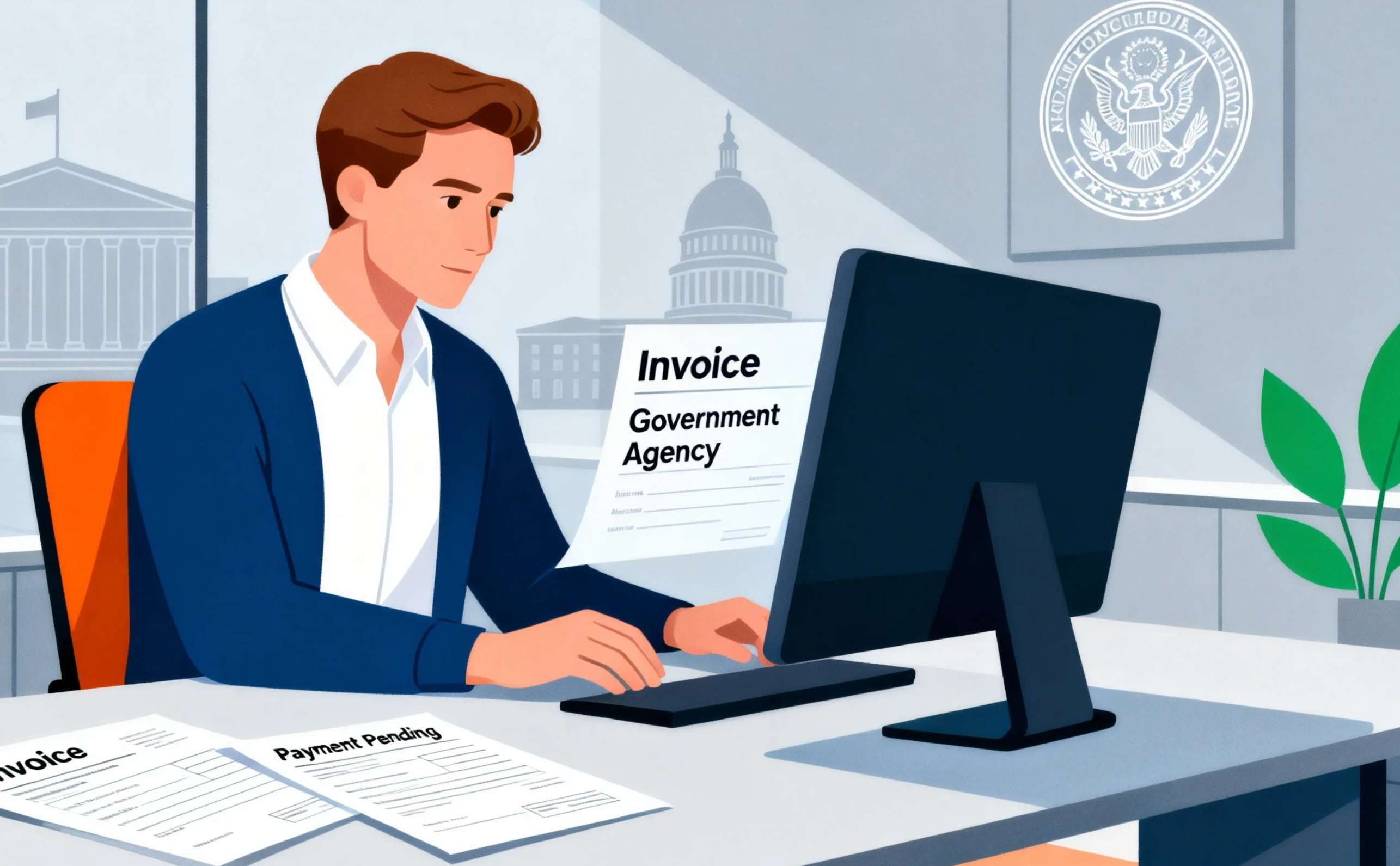
First mindset shift: you’re billing a system, not just a person
When you bill a private company, often there’s one decision-maker: the owner, your contact, maybe their accountant. If they understand your invoice, it usually gets paid.
In government, your invoice goes through a process, not just a person:
- Your contact confirms the work is done.
- Some internal system checks your invoice against a contract or purchase order (PO).
- Accounts payable validates every required field.
- Only then does the payment clock start.
In many countries (like the US), the “payment clock” legally starts when the agency receives a proper invoice – meaning an invoice that includes all required information.
If one required field is missing, the clock hasn’t really started. That’s why you’ll hear horror stories like “the government never pays on time,” when in reality, the invoice was never “proper” in their system.
So the mindset is:
You’re not just making an invoice that looks good.
You’re making an invoice that can survive a bureaucratic checklist.
Once you think that way, everything else makes more sense.
Before you even invoice: paperwork the system cares about
A clean invoice won’t save you if the pre-invoice admin isn’t done. Different countries and levels of government vary, but there are some patterns.
Vendor registration and tax IDs
Most government bodies don’t just “add your bank account and pay you.”
They’ll usually ask you to register as a vendor in their system first. That can mean:
- Filling out a vendor form
- Providing your tax ID (EIN, TIN, or SSN in the US; VAT number in the EU; other local equivalents)
- Providing your legal business name and address (must match your tax records)
- Sometimes providing bank details for ACH / wire
At the US federal level, this often ties into systems like SAM.gov (for contractors) and may require your TIN, payment address, and other identifiers.
If you skip this step, your invoice will just bounce around with nowhere to land.
A written contract or purchase order (PO)
Governments rarely buy on a handshake.
Even for relatively small work, there is usually:
- A contract number, or
- A purchase order number, or
- Some formal “authorization” to buy from you
In US federal contracting, rules like FAR 32.905 make it clear that your invoice has to reference the contract or order it belongs to.
So before you send your first invoice, make sure you know:
- The exact contract/PO number
- Who inside the agency will approve receipt of the work
- What billing schedule you agreed on (milestones, monthly, on completion, etc.)
Keep that email or document handy. It will save you arguments later.
What a “proper invoice” to government usually needs
Different governments and agencies have slightly different rules. But if you look at examples – like the US federal regulations (FAR 32.905) or state-level “proper invoice” guidance – the requirements are surprisingly similar. [here]
Think of the following as your minimum checklist. Adjust for your country and the specific contract.
Your business identity
Your invoice should clearly show:
- Legal business name (exactly as in your contract / tax records)
- Business address
- Contact details: email, phone
- Optional but helpful: logo and website (for clarity, not compliance)
In the US federal rules, this is literally one of the listed requirements for a “proper invoice.”
Invoice basics
Every government invoice should have:
- Invoice number – unique, no duplicates
- Invoice date – the date you issue the invoice
- Currency – especially important if you work cross-border
Some agencies even check that you’re not invoicing before the service period in your contract.
Contract and order info
This is where many freelancers go wrong.
You almost always need to reference:
- The contract number and/or purchase order (PO) number
- If given, the line item number that matches the contract’s scope
US regulations explicitly list these as part of a proper invoice.
If the contract says “PO 12345, line 001 – consulting services,” then your invoice should make that easy to find. Not buried in paragraph three.
Clear description of what you delivered
Government finance teams like structure.
For each line item:
- Description – what you did or delivered, in contract language
- Quantity – hours, days, units, or milestone
- Unit price – rate per hour or per item
- Extended price – quantity × unit price
Regulators often specify that an invoice should include the description, quantity, unit of measure, unit price, and total price of each item.
A simple example:
“Consulting services – web accessibility audit for City website – per SOW dated 2025-08-10 – PO 12345, line 001”
The more your wording matches the contract/SOW, the less room there is for disputes.
Totals, taxes, and payment terms
Even governments want to see a clean summary:
- Subtotal
- Tax (if applicable) – VAT, sales tax, etc.
- Total due
For payment terms, governments often specify their own (e.g., Net 30 from receipt of a proper invoice). Still, it’s good practice to state something like:
“Payment terms: Net 30 days from receipt of a proper invoice”
Payment terms guidance for small businesses almost always reinforces the importance of clear terms and consistent wording.
Where to send the money & who to call
This is another common one that regulations mention explicitly:
- Payee name and address – who should receive payment
- Bank details – for ACH / wire (if not already on file)
- Your contact person – name, email, phone for invoice issues
US federal rules even say the invoice should include details of the person to contact in case of a defective invoice.
Make it stupid-simple for them to ask a question instead of silently rejecting your invoice.
Tax identifiers & special fields
Depending on the country and agency, you might also need:
- Tax ID / TIN / EIN / VAT number
- DUNS / UEI or other vendor IDs (US government)
- Specific project codes, cost centers, or program names
- For EU public bodies, fields that map cleanly into EN 16931–compliant e-invoicing systems.
If your client gave you a template, portal, or sample invoice – copy their structure religiously.
Format and channel: PDF, portal, or full e-invoicing?
You might be used to just emailing PDFs. With government, you’ll see three main patterns.
Plain PDF by email
This is more common with:
- Smaller local governments
- Lower-value contracts
- Agencies that haven’t fully digitized yet
Even when a PDF is allowed, they may still insist on specific fields to match their own finance system. Again, check any vendor guides or onboarding documents they sent you.
Government portals (and copy-pasting)
Many agencies, especially at state or federal level, use vendor portals:
- You log in
- You create an invoice online
- You might upload a PDF copy for your records, but the data is what matters
These portals usually enforce required fields. If you try to submit without a contract number or line item, it just won’t let you.
The safest move: build your own invoice in your system (or invoice tool) and copy the same information into the portal so your records match theirs.
E-invoicing in structured formats (especially in the EU)
In Europe, public bodies must be able to receive electronic invoices that follow the EN 16931 standard. This is a structured data model for e-invoicing (not just a PDF).
What that means in practice:
- You may be asked to send an invoice through a network like PEPPOL
- Your invoicing software generates a structured XML or similar format
- It’s strictly validated before the invoice is “received”
If you work with European public sector clients, it’s worth checking that your invoicing tool supports EN 16931 or PEPPOL. Many modern tools highlight this in their feature list.
Common mistakes that delay payment (and how to avoid them)
Let’s talk about the stuff that actually trips people up. Some of this comes straight from government checklists and some from the stories you see over and over in freelancer and small-business communities.
Missing or wrong contract/PO number
This is the number-one killer.
If the invoice can’t be matched to a contract or PO in the system, it just sits. Many “late payment” issues trace back to this one field.
Fix:
Always confirm the correct contract/PO number and reference it clearly in the invoice header and the description line.
Description doesn’t match the contract wording
You might write:
“Website consulting”
But the contract says:
“Digital accessibility assessment and compliance review”
A human may understand those are related. An automated system or a by-the-book reviewer may not.
Fix:
Copy the contract language and then add your natural wording if you want. Contract wording first, freestyle second.
Invoice period doesn’t match delivery
Governments are picky about when work was done, especially for services.
If your invoice date doesn’t match the service period, or you bill earlier than allowed, they may push it back.
Fix:
Include a clear service period:
“Consulting services for April 1–30, 2025.”
And make sure that aligns with your contract schedule.
Missing required tax or business information
Some agencies list very specific mandatory fields in their “proper invoice” rules – like the vendor’s TIN, pay-to address, or contact person.
Fix:
Ask your client for:
“Your agency’s ‘proper invoice’ checklist or vendor invoicing guidelines.”
Then literally build your invoice template from that.
Sending the invoice to the wrong place
Your contact might be lovely… but if AP requires invoices to go to a specific email or portal, sending it to the wrong inbox can delay things by weeks.
Fix:
Before your first invoice, ask:
“Where should invoices be sent, and what reference should I put in the subject line?”
Document it and stick to it.
A simple step-by-step flow you can reuse
Let’s pull this together into something you can follow each time.
Step 1 – Confirm admin is done
- Vendor registration is complete
- You have your contract/PO number
- You know the official invoice submission channel
Step 2 – Build a government-ready invoice template
Include:
- Your legal name, address, contact
- Unique invoice number & date
- Client name and department
- Contract/PO number (and line item, if used)
- Service period
- Line items with description, quantity, unit price, total
- Subtotal, tax, grand total
- Payment terms (e.g., Net 30 from receipt of proper invoice)
- Your tax ID (if required), bank details, and AP contact person
Step 3 – Match your wording to the contract
- Use the same language as the SOW/contract for the line item
- Make sure quantities and rates match what was agreed
Step 4 – Validate against their checklist
- Use any guidance document they’ve sent
- If your country has public rules on “proper invoice” (like FAR 32.905 in the US or EN 16931 in the EU), treat them as a reference.
Step 5 – Submit through the right channel
- Email, portal, or e-invoicing network as required
- Keep a copy and proof of submission
Step 6 – Follow up politely, but firmly
If the legal framework where you work has prompt payment rules (the US does, and many countries have similar things), the clock usually starts when they get a proper invoice.
When you follow up, ask specifically:
“Has my invoice been accepted as a proper invoice in your system, or is anything missing?”
That wording often gets you a straight answer.
What if you’re still unsure?
If you’re a freelancer or small business working with government for the first time, it’s completely normal to feel overwhelmed by all the acronyms and rules.
A few options that don’t cost much (or anything):
- Small Business Development Centers (SBDCs) in the US offer free one-on-one advice, including on government contracting and invoicing basics.
- Local and federal small-business resources often include guides on getting paid and dealing with late invoices.
- Many accountants who work with public contracts will happily review your invoice template once and help you “harden” it.
Think of it as building your “government-proof” invoice template once. After that, every new contract is just a small variation.
Final thoughts
Working with government clients can be great: large projects, predictable budgets, and long-term relationships.
The flip side is that you’re plugging into a strict payment process. But once you understand how that process sees your invoice – as a bundle of required fields, not just a nice PDF – you stop taking rejections personally and start designing invoices that just sail through.
Get your vendor setup right. Mirror the contract language. Respect their “proper invoice” checklist. Use portals and e-invoicing when they ask for it.
Do that, and you’ll find that “the government never pays on time” becomes “I get paid – eventually, but reliably”
— which, for many freelancers and small business owners, is a very nice place to be.
References
Key information was verified using:
FAR 32.905 & 52.232-25 (Proper Invoice Rules),
U.S. Treasury Prompt Payment guidance,
HHS & DOT documentation,
EU EN 16931 e-invoicing standards (PEPPOL),
and SBA small-business resources.
Full list of URLs:
https://www.acquisition.gov/far/32.905
https://www.acquisition.gov/far/52.232-25
https://fiscal.treasury.gov/prompt-payment/
https://highways.dot.gov/laws-regulations/directives/orders/27702a
https://ec.europa.eu/digital-building-blocks/pages/467108950/EN%2B16931%2Bcompliance
https://docs.peppol.eu/poacc/billing/3.0/bis/
https://www.sba.gov/local-assistance/resource-partners/small-business-development-centers-sbdc